Interviewers
An MP3 interview contains useful quotes but searching the recording takes too long.
A written draft makes themes, timestamps, and follow-up questions easier to review.
This mp3 audio to text converter online free helps turn spoken MP3 recordings into editable text for notes, captions, research, and follow-up. Upload your audio and hand the task to the conversion tool.
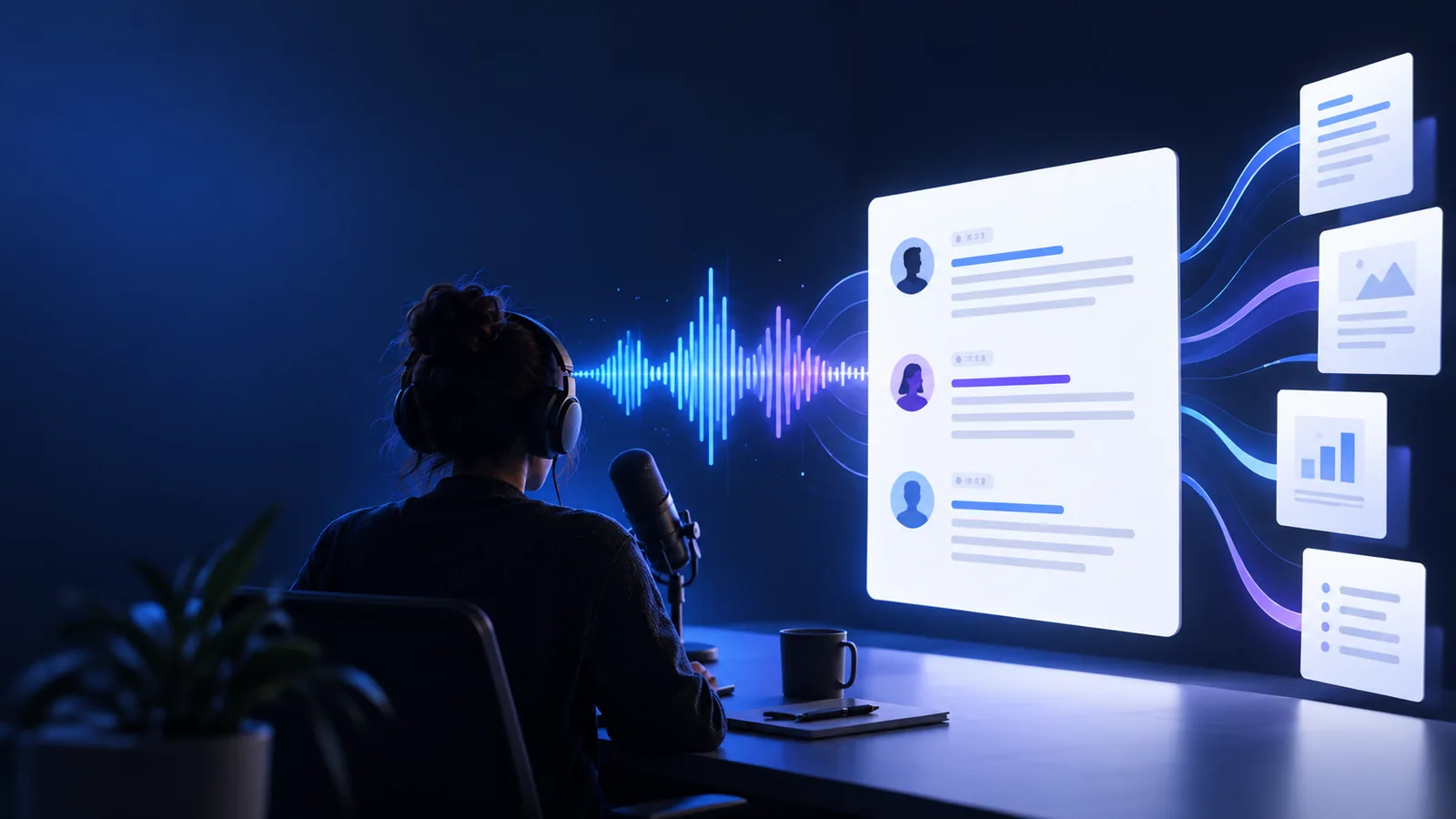
Choose the route that matches your source file and the place where you want to use the transcript.
MP3 files are common wherever speech has been recorded first and organized later.
An MP3 interview contains useful quotes but searching the recording takes too long.
A written draft makes themes, timestamps, and follow-up questions easier to review.
A class discussion or study note is saved as an MP3 for later reference.
The transcript creates a readable study aid that can be edited into notes.
Field recordings and spoken observations accumulate as separate MP3 files.
Text makes recurring terms and findings easier to compare across recordings.
A podcast or spoken briefing needs a text version for repurposing.
The transcript provides a starting point for articles, captions, and summaries.
The workflow is short: provide a clear MP3, let speech recognition process it, then review the resulting text before sharing it.
Choose the MP3 recording you want to process and give the tool enough context to identify the intended task.
The conversion workflow analyzes spoken words in the MP3 and produces a readable text draft.
Check names, technical terms, punctuation, and unclear passages before copying the text into your next document.
These are the practical format landmarks to keep in mind when preparing an MP3 transcript.
An MP3 preserves the original sound, while text makes the spoken information easier to scan, search, quote, and revise.
| MP3 recording | Text transcript | |
|---|---|---|
| Primary form | Compressed audio | Editable written content |
| Searchability | Requires listening and scrubbing | Words can be scanned and searched |
| Speaker detail | Preserves tone, pauses, and delivery | May need labels or review |
| Editing | Trim or remix the recording | Rewrite, reorganize, and quote passages |
| Accessibility | Depends on an audio player | Can support reading and text-based review |
| Storage purpose | Keeps the source evidence | Keeps a practical working copy |
| Accuracy check | The original reference | Should be checked against the audio |
The before-and-after view shows the change in how information can be handled after conversion.

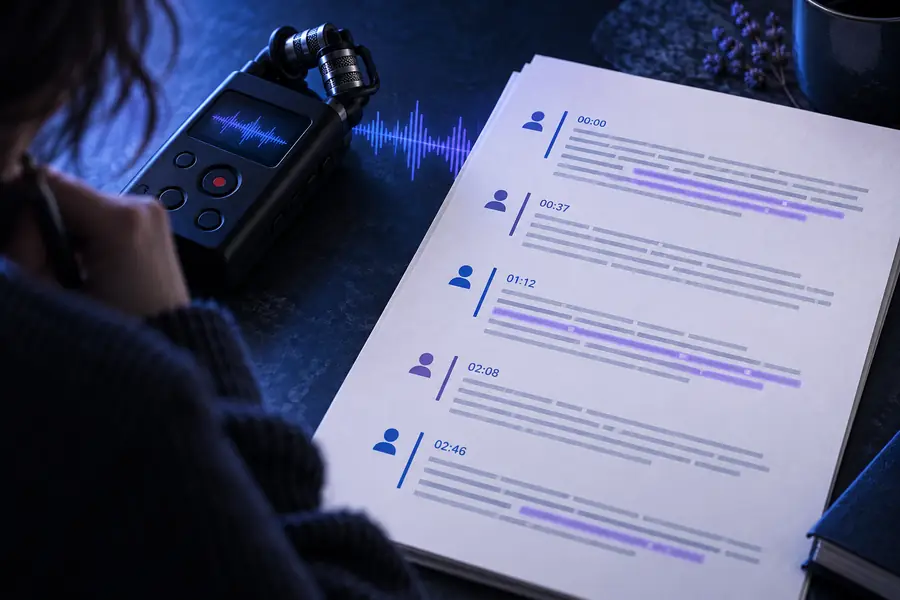
The transcript is a draft to review, not a replacement for the source recording.
Before: MP3 audioAfter: written textA useful transcript starts with realistic expectations about audio quality, context, and review.
Heavy background noise, overlapping voices, distance from the microphone, or clipped audio can reduce accuracy.
What to do instead
Use the clearest MP3 available and review difficult passages while listening to the source.
People, brands, places, and specialist vocabulary may be rendered incorrectly even when the surrounding sentence is clear.
What to do instead
Search the transcript for uncertain terms and correct them against your notes or the audio.
A transcript may not automatically match your preferred speaker labels, paragraph structure, or publication style.
What to do instead
Treat the output as an editable draft and apply your final formatting afterward.
If meaning depends on slides, gestures, or on-screen text, audio alone cannot capture every detail.
What to do instead
Use a video-to-text workflow when the visual track is essential.
Turn a spoken MP3 into a practical text draft for editing, searching, quoting, or sharing. The workflow is designed to reduce manual typing while leaving room for a careful accuracy check.
Answers to common questions about converting an MP3 recording into written text.
It is a tool that analyzes speech in an MP3 recording and produces a written transcript. The result can be used as a draft for notes, quotes, captions, or further editing.
Yes, an online workflow can convert a spoken MP3 without requiring desktop transcription software. Availability and limits depend on the tool, so review the output and keep the original recording as your reference.
Accuracy depends on recording quality, accents, background noise, overlapping speech, and specialized vocabulary. Treat the first result as a draft, then listen back to confirm names, numbers, and important statements.
You can search a conversation, pull quotations, create study notes, prepare a summary, or move the text into an editable document. If the source also contains important visuals, use the corresponding video rather than audio alone.