Students
Turn a lecture or study recording into review notes while the main ideas are still fresh.
A free first pass gives you text to organize, check, and turn into revision material.
Browser workflow
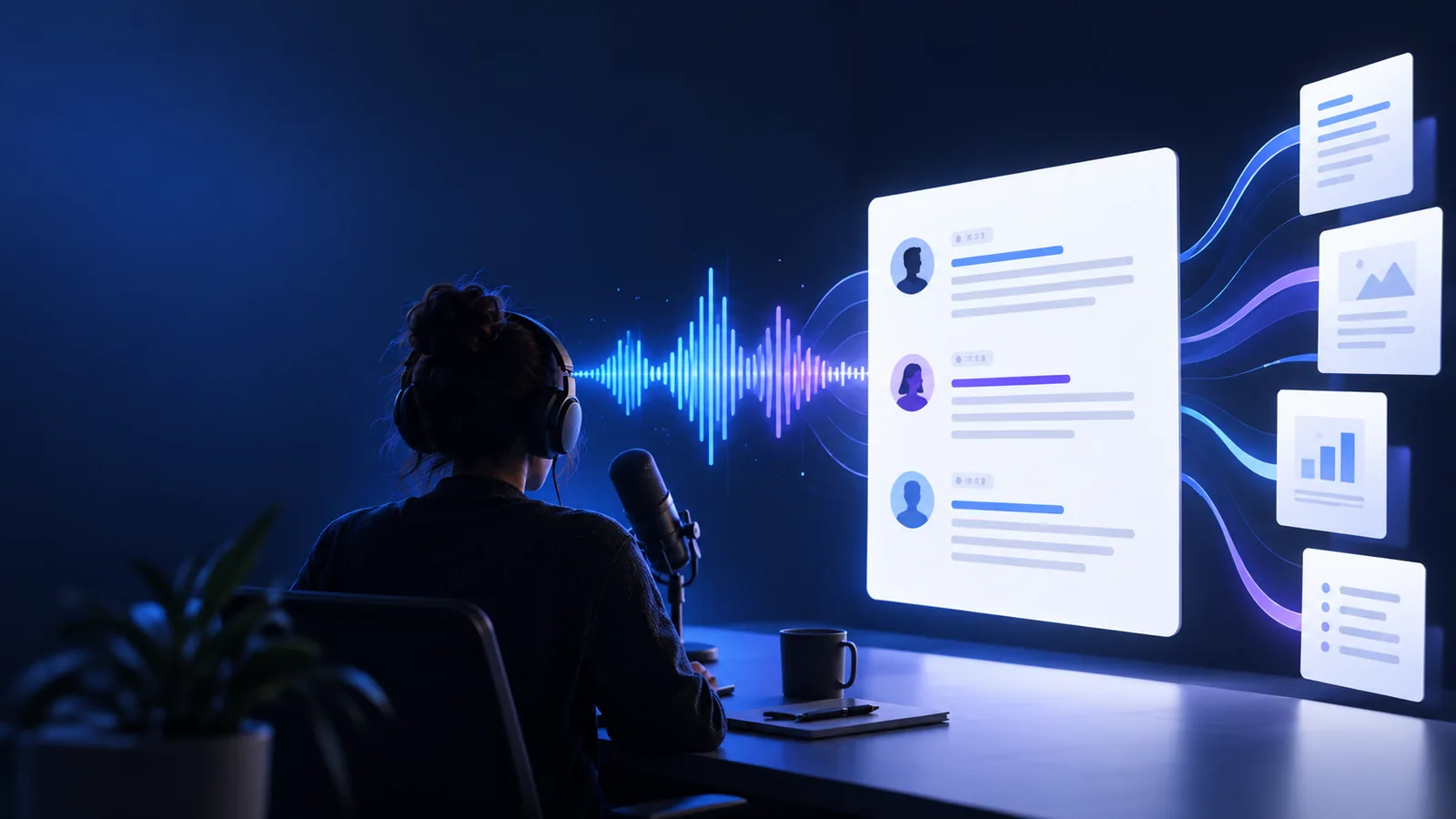
Transcribe audio to text free online when you need a practical browser workflow. Start with a clear recording, guide the conversion, then review the text before using it.
Before you begin
A reliable transcribe audio to text workflow starts with a usable recording and a clear goal for the finished text.
Set expectations
A free online route can produce a useful draft, but the audio still determines how much cleanup the transcript needs.
Traffic, fans, music, and room echo can cause omissions or incorrect words during transcribe audio to text.
What to do instead
Trim noisy sections, raise the speaker volume, or use a cleaner recording.
When people talk over one another, a free online transcript may merge sentences or lose speaker changes.
What to do instead
Review the audio manually and split the recording into clearer portions.
People, brands, medical terms, and technical vocabulary are easy for any automated transcribe audio to text tool to mishear.
What to do instead
Keep the original audio open while correcting names and terminology.
A single large upload can be harder to process, inspect, and correct than a short, focused clip.
What to do instead
Divide the recording into logical segments and label each section before combining the text.
The workflow
This transcribe audio to text process is easiest when each stage has one clear job: prepare, convert, and verify.
Choose the clearest version of the audio, remove obvious dead space, and decide whether you need a verbatim transcript or a readable summary.
Describe the task, provide the recording through the browser workflow, and let the transcribe audio to text tool create a first draft.
Listen back to uncertain passages, correct names and punctuation, then copy the finished text into the document or notes where you will use it.
Choose your route
The right choice depends on whether you value a quick free online draft or complete control while listening and typing.
| Free online transcription | Manual transcription | |
|---|---|---|
| Setup | Upload or provide the recording in a browser | Open the audio and a separate text editor |
| Speed | Creates a first draft before detailed editing | Progress depends entirely on typing pace |
| Access | Free online starting point for short tasks | Uses your own time and available software |
| Formatting | Produces editable text to clean up | Lets you format each line while typing |
| Installation | Browser workflow with no transcription app required | No transcription app required, but playback controls help |
| Best fit | Interviews, notes, meetings, and clear short recordings | Tiny clips or work requiring continuous close listening |
| Review | Correct the draft against the original audio | Correct while creating the transcript |
| Main tradeoff | Accuracy varies with recording quality | Long recordings take considerably more hands-on time |
Practical uses
A focused transcribe audio to text process is useful whenever spoken information needs to become searchable, editable, or easier to share.
Turn a lecture or study recording into review notes while the main ideas are still fresh.
A free first pass gives you text to organize, check, and turn into revision material.
Convert a conversation into a working transcript before selecting quotes or writing a story.
The no-sign-up route keeps the first transcription step focused on the recording itself.
Turn spoken ideas, voice notes, or draft narration into text that can be edited alongside a script.
An online workflow makes it easier to move from audio to a reviewable draft without installing software.
Bring a clear clip and a specific goal. The browser workflow can create the first draft, while your final review keeps names, meaning, and context under control.
Common questions
Yes, this workflow is designed to give you a free online starting point for turning a recording into editable text. The result should be treated as a draft until you check names, technical terms, and unclear passages against the audio.
You need an audio recording that you can provide through the browser workflow and a clear idea of the output you want. A clean recording with one main speaker usually gives you less correction work.
Use the clearest available recording, reduce background noise where possible, and avoid clips with several people speaking at once. Always listen again to names, numbers, specialist language, and sections that do not read naturally.
No desktop transcription application is required for this browser-based approach. You can begin with the recording and review the generated text in the same general workflow.
Yes, the output is intended to be editable text that you can review and move into notes, scripts, research, or a working document. Clean up formatting and verify important quotations before publishing or sharing it.