Interviewers and researchers
You have a conversation, field recording, or focus group that needs to be searchable before analysis.
Start with a draft, then mark themes, quotations, and uncertain passages instead of typing every line from scratch.
Transcribe audio to text AI turns spoken recordings into editable text that is easier to search, review, and share. Use the workflow below to understand what the technology handles well before you send in an important file.
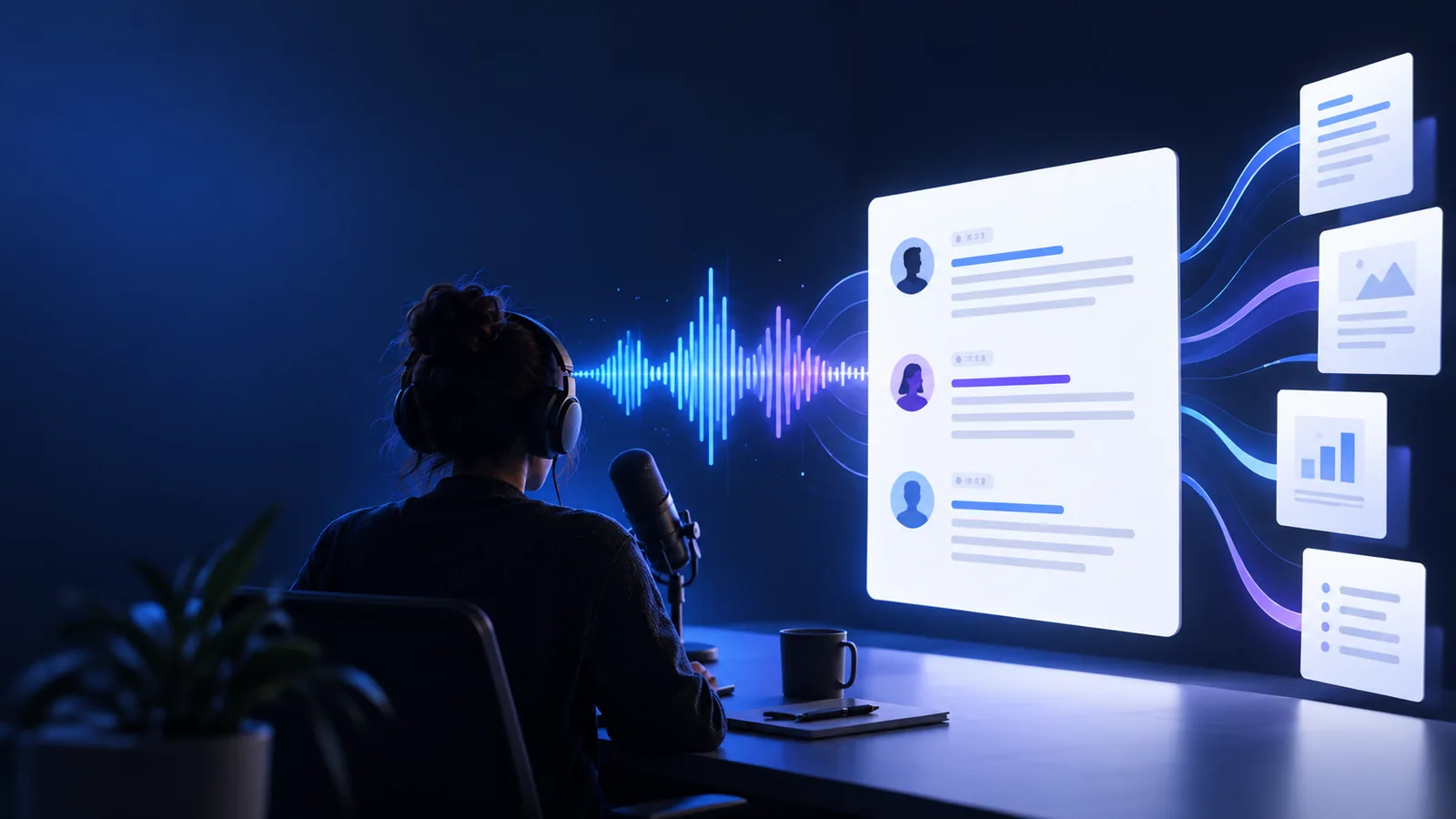
Choose the route that matches your source file, device, or final format.
AI can remove much of the mechanical work, but a transcript is not automatically a perfect record. Plan a quick review when the words matter.
Traffic, music, keyboard sounds, or room echo can obscure short words and soften the distinction between speakers.
What to do instead
Trim unusable sections first and review names, numbers, and places against the original audio.
When several people talk at once, the system may merge sentences or assign a line to the wrong speaker.
What to do instead
Use a recording with turn-taking where possible, then correct speaker labels during review.
Medical, legal, scientific, and product terms may be rendered as familiar-sounding words that are close but incorrect.
What to do instead
Search the transcript for key terminology and compare every critical phrase with the recording.
Low volume, clipped speech, and changing microphones make reliable recognition harder than a clean single-source recording.
What to do instead
Improve the source when possible and flag uncertain passages rather than treating every line as final.
The process is simple, but each stage has a different job: prepare the source, generate the draft, then check the result.
Choose the clearest version of the audio, remove irrelevant silence where practical, and note any names or technical terms that deserve extra attention.
Send the recording through the transcription workflow so speech recognition can identify words, sentence boundaries, and likely speaker changes.
Scan the output against the audio, fix high-value errors, then copy the cleaned transcript into notes, a document, or your next content workflow.
The right choice depends on whether your priority is speed, control, or a balance of both. AI is strongest as a first pass; manual work remains valuable for sensitive precision.
| AI-assisted transcript | Manual transcription | |
|---|---|---|
| Starting point | A recording is converted into a searchable text draft. | A person listens and types the recording from the beginning. |
| First-pass speed | Handles long stretches of clear speech without typing every word. | Progress depends on listening, pausing, rewinding, and typing. |
| Speaker changes | Can suggest separation when voices and turn-taking are distinct. | A trained transcriber can identify context and speaker identity more deliberately. |
| Unusual terminology | May substitute common words for names, jargon, or abbreviations. | Can research terms and apply a supplied glossary during transcription. |
| Editing responsibility | Requires a human review for important facts, names, and quotations. | The transcriber owns the wording but can still make listening or typing errors. |
| Best use | Interviews, meetings, research notes, captions drafts, and searchable archives. | Court-sensitive material, difficult audio, or work requiring tightly controlled wording. |
The before-and-after difference is not only visual. A transcript gives you a surface you can search, scan, edit, and turn into a more useful deliverable.
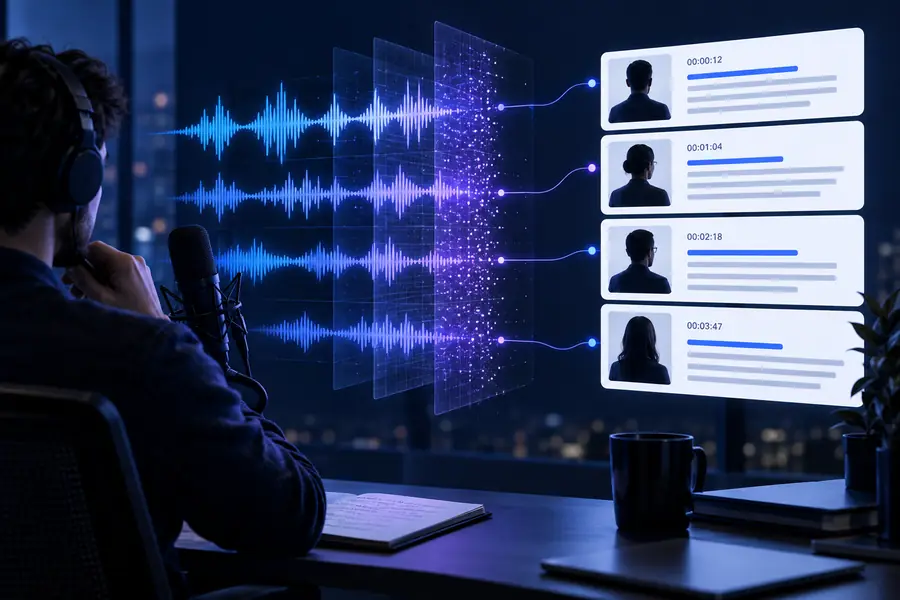
A draft still needs a focused accuracy check.
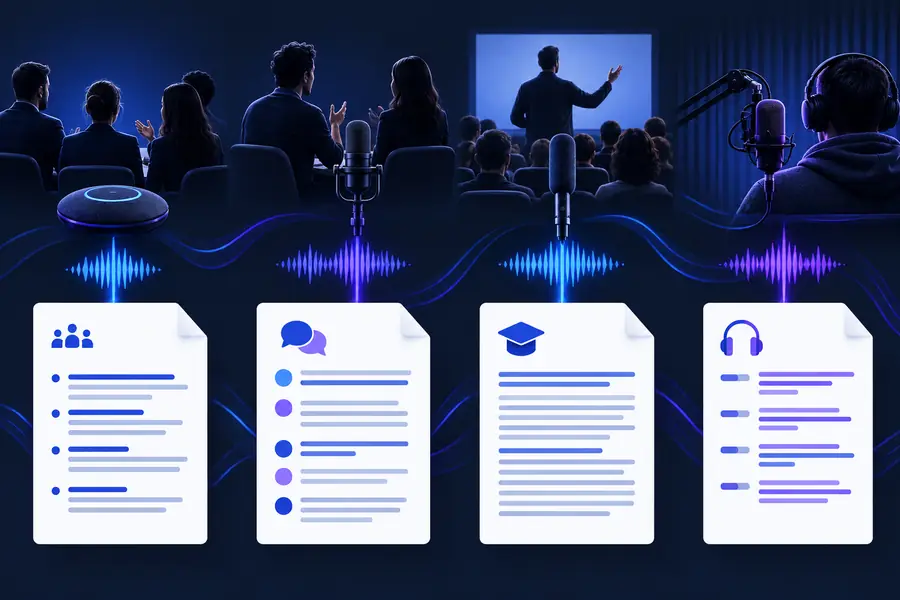
Recorded speechReadable transcriptDifferent audiences use the same core capability for different outcomes. Pick the workflow closest to your next task.
You have a conversation, field recording, or focus group that needs to be searchable before analysis.
Start with a draft, then mark themes, quotations, and uncertain passages instead of typing every line from scratch.
Your spoken content lives inside a tutorial, presentation, or social video.
Pull the dialogue into a text workspace so you can outline, edit, caption, or repurpose the material.
You need notes from a lecture, discussion, or planning call without losing the original wording.
Use the transcript as a review aid, then verify important names, dates, figures, and decisions.
The recording includes internal discussion, customer information, or other material that deserves careful handling.
Review the handling expectations before choosing a workflow, and remove sensitive details when a full transcript is unnecessary.
Use the AI workflow for the repetitive first pass, then spend your attention where it matters: checking the wording, protecting sensitive details, and shaping the transcript for its final use.
These answers cover the practical concerns behind searches for an AI way to convert spoken audio into text.
AI transcription listens for speech patterns and predicts the words being spoken, then arranges them into readable text. Depending on the recording and workflow, it may also suggest punctuation, timestamps, or speaker changes.
It can produce a useful first draft from clear audio, but accuracy varies with noise, accents, overlapping voices, and specialist vocabulary. Review names, numbers, quotations, and any passage that affects a legal, medical, financial, or editorial decision.
It may distinguish speakers more effectively when voices are clear and people take turns speaking. Crosstalk, distant microphones, and similar voices can cause merged or incorrectly assigned lines, so speaker labels should be checked.
A recording with clear voices, steady volume, limited background noise, and a microphone close to the speakers gives the system a stronger signal. If the source is difficult, expect more editing and treat the output as a draft rather than a finished record.
AI is useful when you want a quick searchable draft and can spend a short period reviewing it. Manual transcription gives you more control from the first line and may be preferable when the audio is especially difficult or the wording must be checked closely.