Real use cases

Transcribe Audio to Text Examples Free for Real Work

These transcribe audio to text examples free show how spoken material becomes usable notes, summaries, captions, and documents. Start with a recording and shape the result around your workflow.

Free to start · no signup
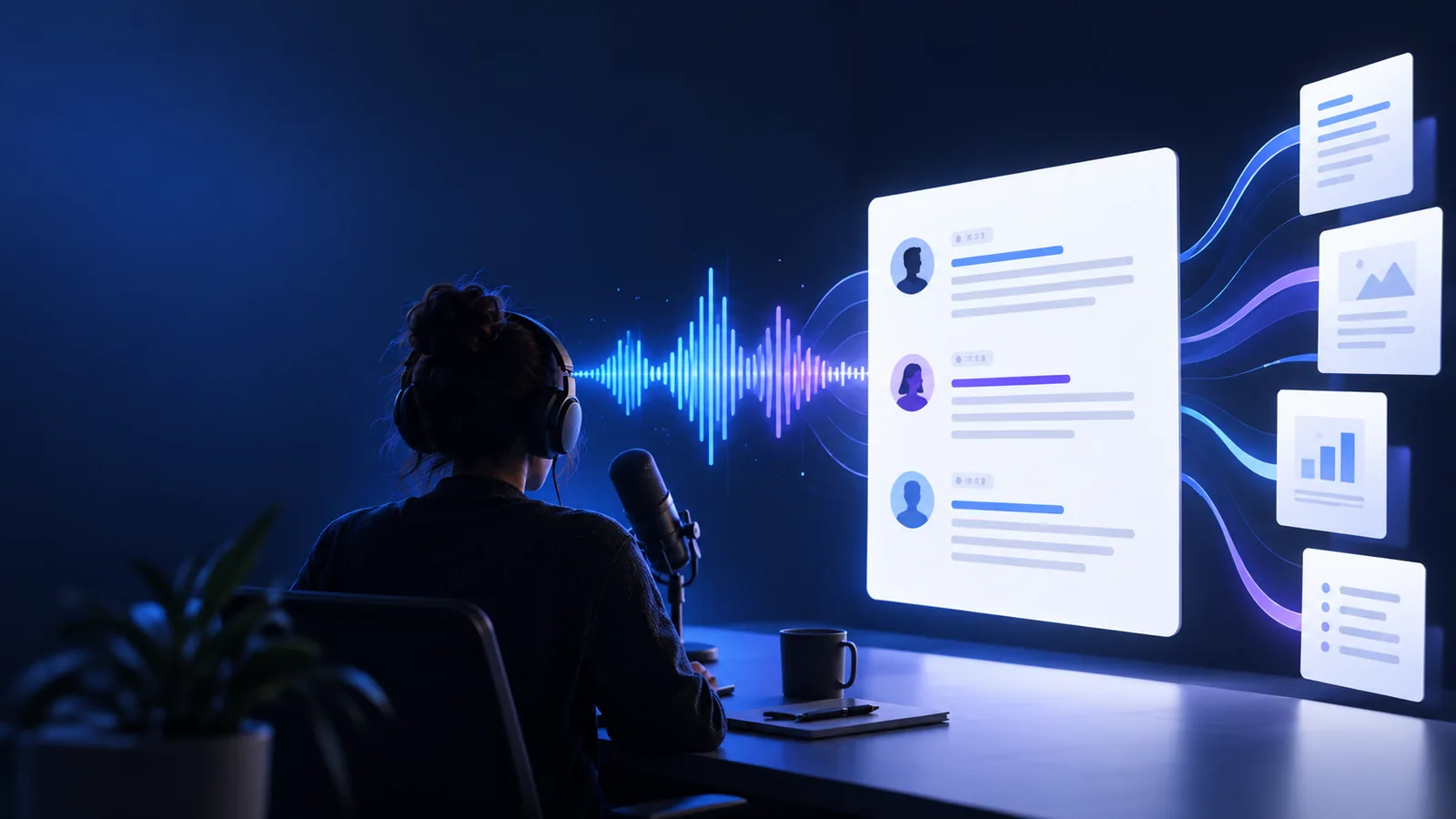
Audio waveform beside a clean text transcript

Where we slot in

The transcription step fits after capture and before editing, review, or sharing. That makes the same source recording useful to several people without repeated manual typing.

  1. 1

    Capture the source

    Record the interview, meeting, lecture, voice memo, or video with as little background noise as practical.

  2. 2

    Create a working transcript

    Upload the audio and turn the spoken track into searchable text that can be skimmed, copied, and checked.

  3. 3

    Shape the deliverable

    Review names and specialist terms, then convert the transcript into notes, a summary, captions, or a document.

Deliverable spec

The right output depends on what happens next. Use this comparison to choose a transcript brief that is useful instead of merely long.

Raw transcript Workflow-ready transcript
Primary purpose Preserve the spoken record Support a defined next task
Structure Continuous paragraphs or timestamps Sections, speakers, bullets, or headings
Editing level Light cleanup of obvious errors Reviewed names, terms, and repeated phrases
Best for Archiving and searching Notes, publishing, analysis, or handoff
Speaker treatment May be undifferentiated Speaker labels where the audio makes them clear
Final format Plain text for reference Copy-ready notes, brief, captions, or document
Review priority Check only critical passages Check every quote or decision used downstream

Before/after

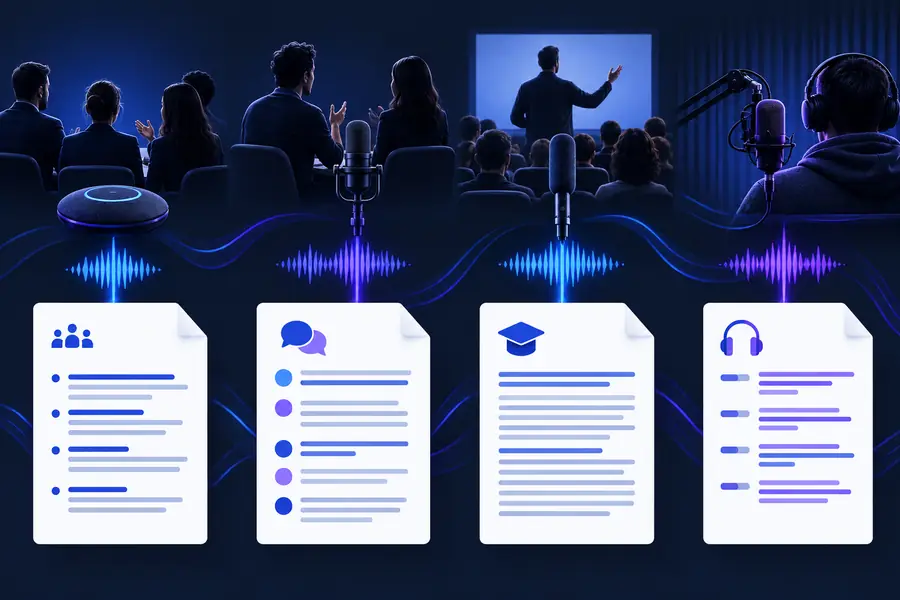
A single transcript can serve very different audiences. Give each person an output brief that matches the decision they need to make.

Interviewers

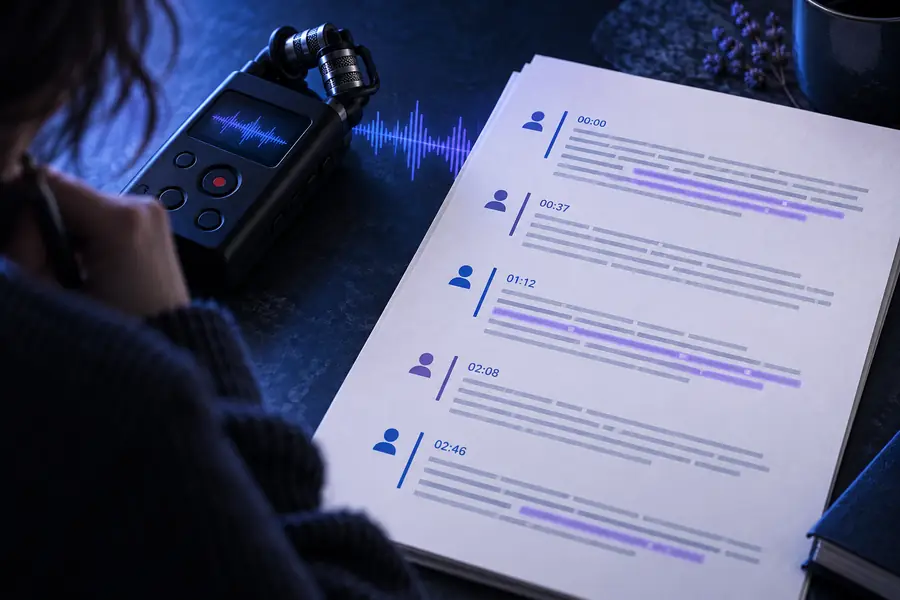
A recorded customer interview contains stories, objections, and exact wording that are difficult to revisit in the original timeline.

A speaker-labeled transcript with quote-ready passages and a short theme summary makes research review faster.
transcribe audio recording to text

Students and teachers

A lecture or study discussion needs to become searchable revision material rather than a recording that must be replayed.

A cleaned transcript organized by topic can become class notes, revision prompts, or a document for later review.

transcribe audio to text microsoft word

Content teams

A podcast, webinar, or recorded presentation contains material for articles, captions, newsletters, and social clips.

A transcript creates a text source from which editors can select quotes, outline sections, and prepare accessible content.

transcribe video to text free

Operations teams

A weekly meeting includes decisions, owners, and follow-up details that can be lost in a long audio file.

A focused meeting record separates decisions from discussion and gives absent teammates something practical to scan.

transcribe audio to text online

Creators and freelancers

A voice memo captures a rough idea while traveling, but the useful details are buried in pauses and unfinished sentences.

A readable draft turns the memo into an outline, task list, or starting point for a polished piece of work.

transcribe audio to text free online

Deliverable spec

These are practical transcript quantities to decide before you begin. They describe the shape of the handoff, not a promise about every recording.

Audio or video recording to process
1 source
Capture, transcribe, then shape the output
3 stages
Notes, summaries, captions, quotes, or documents
5 formats
Review names and important factual passages
2 checks

Before/after

The difference is not just more words. It is the move from a recording that must be replayed to a deliverable that can be searched, checked, and shared.

Unedited audio transcription example with long paragraphs
Before: spoken source
Organized transcript prepared for notes and follow-up
After: usable deliverable

Same source, clearer next step.

Before: spoken sourceAfter: usable deliverable

Put the workflow to work

You do not need to know the final format before you begin. Start by naming the source and the audience: an interview for a research team, a lecture for revision, or a meeting for people who were absent. Then specify what should be preserved, such as speaker labels, timestamps, quotes, decisions, or action items. The more clearly you describe the handoff, the less cleanup the transcript needs afterward.

Turn your next recording into useful text

  • Start with an audio or video source
  • Ask for the output your audience needs
  • Review names, quotes, and important decisions
Try it free

Scenario FAQ

Answers to common questions about using free transcription examples for everyday recordings.

Common examples include turning an interview into speaker-labeled research notes, converting a lecture into revision material, and changing a meeting recording into decisions and action items. Voice memos, podcasts, and webinars can also become searchable drafts or content outlines.

Yes, a free online workflow can be useful for testing a short recording or creating a first draft. Always review names, technical terms, speaker changes, and important quotes before treating the transcript as a final record.

Describe the audience and the next action. You can request speaker labels, timestamps, a summary, key quotes, topic headings, action items, captions, or a document-ready layout instead of asking for undifferentiated text.

A transcript is a strong source, but it is not always the best final deliverable. For meetings, add decisions, owners, and follow-ups; for interviews, add themes and quote selections; for lessons, add headings and revision points.

Start transcribing
Start transcribing